Asus ProArt MD300 mouse
Asus ProArt MD300
Asus has made a name for itself in the productivity-class laptop market. With the ProArt series of laptops, motherboards, and accessories, the company caters to professionals who want a reliable computing device with a focus on content creation. The company recently launched its high-end wireless mouse – the ProArt MD300, which currently is priced at Rs 8,499 on Amazon.
I have been playing around with Asus’s latest accessory, and here are my impressions of it.
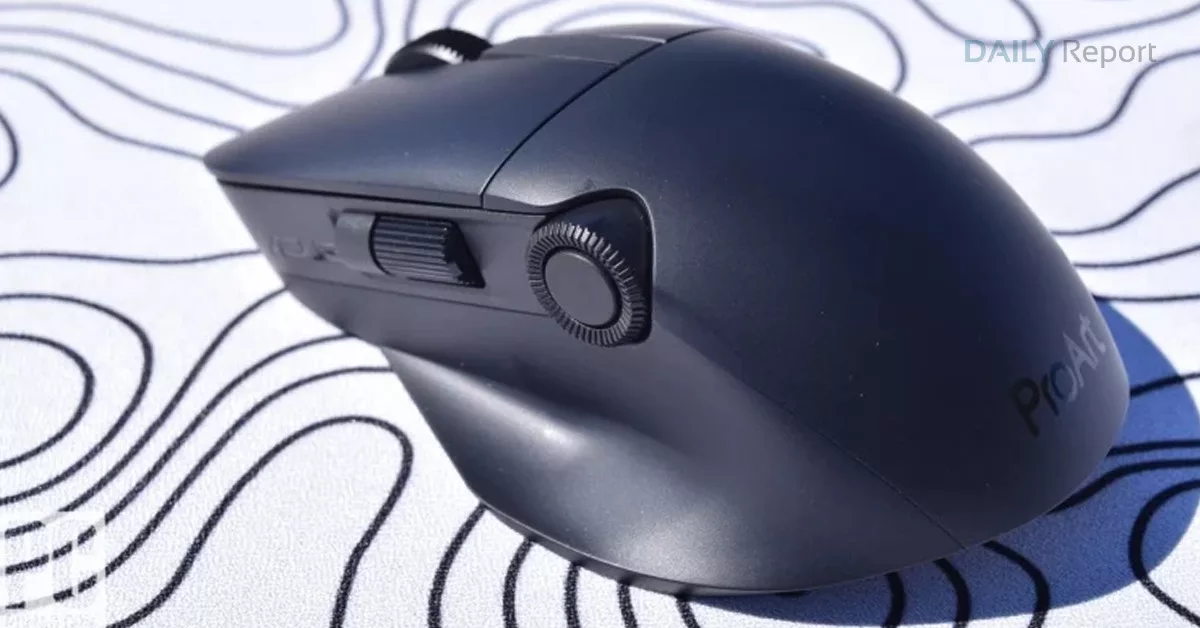
This is a right-hand user-focused mouse (Image credit: Vivek Umashankar / Indian Express)
Practical and ergonomic
While the trackpads on Windows laptops have improved drastically over the years, I still feel that one needs a dedicated mouse, especially if one wants to get serious work done. From photo/video editing to working on a lengthy Excel sheet, a good mouse, probably a wireless one, can get the job done quickly. I feel that the Asus ProArt MD300 is one such product.
I have used the Logitech MX Master 2S as my primary mouse for a few years, and the new Asus ProArt MD300 made me feel at home. Again, this is a mouse that has been optimised for right-handed users, and it would take some time for left-handed users to get used to the button and scroller layout.
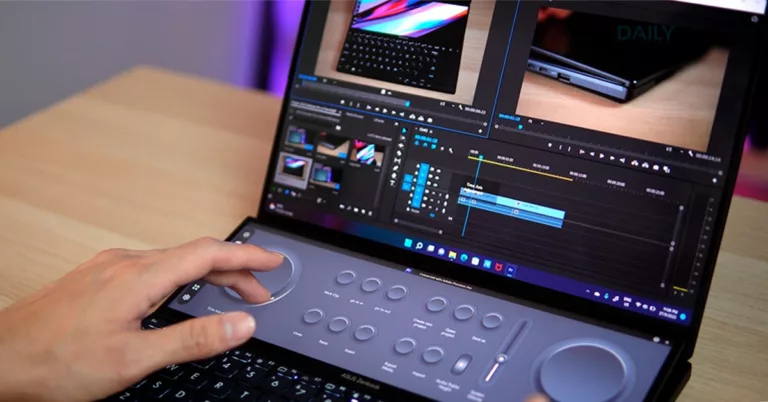
This is also the first mouse that I have used with three scroll wheels (two vertical and one horizontal), and any video editor will definitely appreciate this, as it makes scrubbing through a video project on apps like Adobe Premiere very intuitive. I also liked how the dial has a bit of resistance and still functions smoothly, smartly eliminating accidental scrolling.
It can be paired with up to three devices at the same time (Image credit: Vivek Umashankar / Indian Express)
Excellent connectivity options
Another impressive feature of the Asus ProArt MD300 is the multi-device connectivity, where the mouse can be paired with three devices, and one can switch between the devices with just a click. This is really useful for those who have more than one computer on their desk. The mouse can be paired with a Windows/Linux/Mac or even with an iPad or an Android smartphone. I tested it by pairing it with my Windows laptop, Android tablet, and my phone, and it worked like a charm.
Easy to customise
If you are using a Windows laptop, you can download the Armoury Crate app from Asus to further customise the mouse. While the app comes pre-installed on Asus laptops, installing it on a third-party machine does take a while. However, once installed, the app can be used to reprogram buttons on the mouse.
The mouse can be used with Windows, Mac, Android, and even with an iPad (Image credit: Vivek Umashankar / Indian Express)
Can you game with it?
Although it is not meant for gaming, you can game with the MD300. It supports up to 4200 dpi (up to 1000Hz polling rate) and is even packed with replaceable gaming-grade switches which are rated for 50 million clicks. I also liked the fact that the tracking works on most surfaces without any issues.
With a USB Type-C port, it’s easy to charge this mouse (Image credit: Vivek Umashankar / Indian Express)
Easy to charge and lasts longer
I like the fact that the Asus ProArt MD300 comes with a built-in rechargeable battery. I have been using this mouse for over a month, and I have only charged it once. As the charging port is on the front, one can even use the mouse when it is being charged. Hence, one might just have to charge this mouse only a couple of times a year.
Excellent premium mouse for content creators (Image credit: Vivek Umashankar / Indian Express)
Verdict: Meant for professionals
At Rs 8,499, the Asus ProArt MD300 is definitely an expensive affair. However, if you are a content creator, then this mouse could complement your workflow in a day-to-day scenario. The Asus ProArt MD300 is definitely one of the good alternatives to the Logitech MX Master 3.